7 Smart PakID App Tips: Easy Applications & Fewer Errors
Introduction to PakID App Tips in 2026
PakID App Tips can help Pakistani citizens and overseas Pakistanis complete identity document applications more carefully, avoid common mistakes, and understand the digital services offered by NADRA. In 2026, mobile identity services continue to make document renewal, application tracking, biometric verification, and online submissions more accessible. However, unclear photographs, incorrect personal details, incomplete documents, and technical difficulties can still create problems during the application process.
The PakID mobile application is an official digital identity platform developed by the National Database and Registration Authority (NADRA). It supports various identity-related services, including CNIC renewal, NICOP applications, document modifications, reprints, and application tracking.
Although the application offers convenient digital features, successful submission requires attention to detail. Understanding the correct procedure before starting can reduce avoidable errors and unnecessary delays.
This guide explores seven practical PakID App Tips for 2026, explaining how to prepare documents, improve photograph quality, handle biometric difficulties, review information, and track applications safely.

Table of Contents: PakID App Tips
- PakID App Tips for Creating a Secure Account
- PakID App Tips for Choosing the Correct Application
- PakID App Tips for Uploading Documents
- PakID App Tips for Photograph and Biometric Verification
- PakID App Tips for Checking Personal Information
- PakID App Tips for Payments and Application Tracking
- PakID App Tips for Fixing Common Technical Errors
- PakID App Tips Comparison Table
- PakID App Tips Graph and Error Prevention
- PakID App Tips for Security and Privacy
- Frequently Asked Questions About PakID App Tips
- Conclusion: PakID App Tips for Better Applications
1. PakID App Tips for Creating a Secure Account
One of the most important PakID App Tips is to begin with a properly configured and secure account. Before starting an identity document application, users should download the official PakID application through an authorized app store or the official NADRA website.
Creating an account generally involves entering the requested identification and contact information, completing verification requirements, and setting up login credentials.
Applicants should use an email address and mobile number they can access. These contact details may be important for receiving verification codes, application messages, and other communications.
An incorrectly entered email address or an unavailable phone number can make account verification more difficult. Therefore, checking these details before proceeding is a useful precaution.
PakID App Tips for Secure Login
A strong password and a protected smartphone can reduce the risk of unauthorized account access. Users should avoid sharing login credentials with unknown individuals or unverified agents.
It is also advisable to keep the application updated through official sources because updates may include improvements to performance, compatibility, and security.
PakID App Tips for Account Verification
When completing account verification, enter the requested codes carefully and within the permitted time. If verification fails, check the mobile network, email inbox, and instructions displayed in the application.
Never share a one-time password with anyone claiming to provide unofficial assistance.
2. PakID App Tips for Choosing the Correct Application
Another essential part of PakID App Tips is selecting the correct identity service before entering personal details.
PakID supports several application categories, but the available procedures and eligibility requirements depend on the document and service selected.
For example, CNIC renewal is different from a modification request. Renewal generally concerns an existing identity card, while modification may involve updating particular information in official records.
Similarly, a reprint request is not necessarily the same as a new registration application.
Choosing the wrong service may require applicants to restart or correct their application, depending on the situation.
PakID App Tips for CNIC and NICOP Applications
Applicants should first identify whether they need CNIC renewal, modification, reprint, or a NICOP-related service.
Overseas Pakistanis should carefully review the NICOP requirements relevant to their circumstances. Documents and verification requirements may differ according to application type.
First-time CNIC applications also have specific restrictions. NADRA states that a first-time CNIC application may be initiated through a blood relative’s account, with the applicant and relative required to visit a NADRA centre to complete the remaining steps.
PakID App Tips for Application Eligibility
Before beginning, read the eligibility information displayed for the selected service. Checking requirements early can help applicants avoid preparing the wrong documents or selecting an unsuitable application category.
3. PakID App Tips for Uploading Documents Correctly
Document preparation is among the most useful PakID App Tips because incomplete or unclear supporting documents can cause difficulties during review.
Depending on the service, applicants may need to provide identity documents, family-related records, passports, or other supporting evidence.
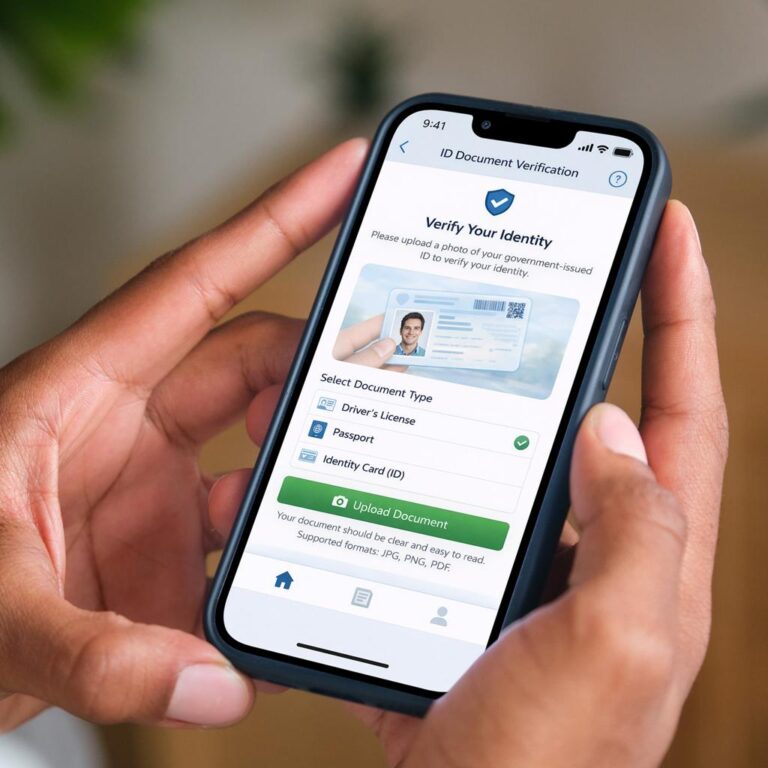
The application allows users to capture or upload documents through their smartphones.
Before uploading, place the document on a flat surface and use sufficient lighting. The entire document should be visible, including its edges and important printed information.
Avoid shadows, reflections, excessive cropping, and blurry photographs. These problems can make information difficult to read.
PakID App Tips for Clear Document Images
Use the smartphone camera carefully and check the image before submitting it.
A clear document photograph should show readable text without unnecessary background objects. Applicants should also follow any file format, size, or image requirements displayed in the application.
Avoid excessive image editing that changes the appearance of the original document.
PakID App Tips for Upload Problems
If an upload fails, check the internet connection and confirm that the selected file meets the application’s requirements.
A temporary network interruption or unsupported file can sometimes prevent successful submission.
Repeatedly uploading the same unsuitable file is unlikely to solve the underlying problem. Instead, review the error message and prepare a clearer, correctly formatted file.
4. PakID App Tips for Photograph and Biometric Verification
Photograph and biometric verification are important components of many digital identity procedures.
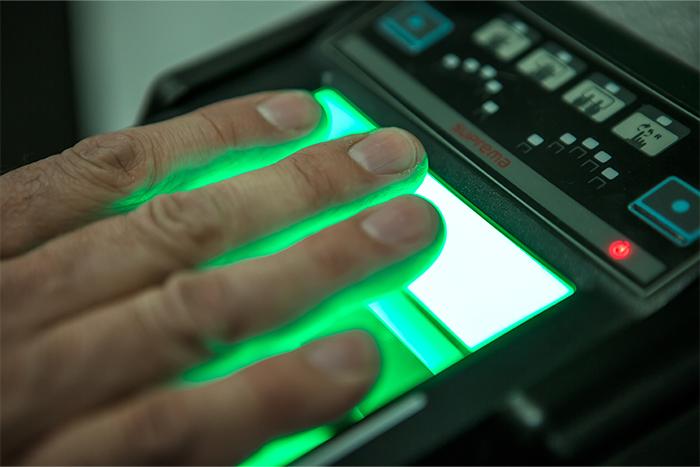
NADRA’s PakID platform supports live photograph capture and smartphone-based biometric verification for eligible processes.
However, successful verification depends on the instructions displayed in the application and the applicant’s particular circumstances.
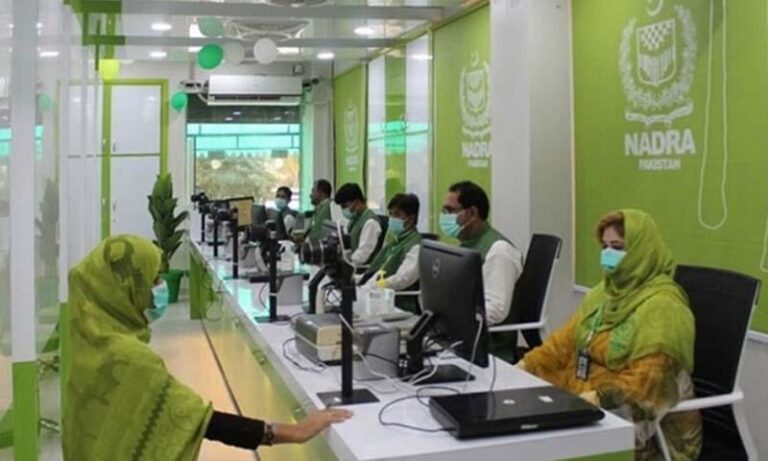
Some applications may still require a visit to a NADRA Registration Centre for biometric or photograph-related steps.
PakID App Tips for Better Live Photographs
When capturing a live photograph, use balanced lighting and a simple background where possible.
Keep the smartphone steady and position your face according to the application’s instructions.
Avoid heavy shadows, strong backlighting, filters, or anything that obscures facial features.
The application may require a live photograph that meets identity document standards rather than an ordinary selfie.
PakID App Tips for Biometric Errors
If biometric verification is unsuccessful, follow the on-screen guidance and check whether the camera lens is clean.
Good lighting and stable camera positioning may improve image capture, but they cannot guarantee successful biometric matching.
If repeated attempts fail, consult NADRA’s official support resources instead of using unauthorized verification methods.
5. PakID App Tips for Checking Personal Information
One of the simplest PakID App Tips is to review every personal detail before final submission.
Identity applications may contain important information such as the applicant’s name, date of birth, family information, and other details relevant to the selected service.
Even a small typing mistake can create confusion or require additional clarification.
Applicants should compare entered information with their official supporting documents rather than relying entirely on memory.
PakID App Tips for Avoiding Form Mistakes
Read each field carefully before moving to the next section.
Pay particular attention to spelling, dates, and document numbers. When a field requires a particular format, follow the example or instructions provided by the application.
Applicants should not enter guessed information when they are uncertain about an official record.
Instead, they should consult the relevant document or seek guidance through an authorized NADRA channel.
PakID App Tips Before Final Submission
Before confirming an application, review the available summary or confirmation screen.
Check that the correct service has been selected, required documents are attached, and personal information is consistent.
This final review may take a few extra minutes, but it can help prevent avoidable submission mistakes.
6. PakID App Tips for Payments and Application Tracking
Payments and application tracking are another important area covered by PakID App Tips.
NADRA provides payment facilities for eligible services through the PakID platform. Available methods may include supported cards, mobile wallets, or other authorized payment options, depending on the service.
Applicants should confirm the displayed fee and payment instructions before proceeding.
Avoid sending payments to personal bank accounts or individuals who claim they can guarantee faster approval.
PakID App Tips for Safe Payments
Use only payment methods presented through the official application or other authorized NADRA channels.
Before confirming a transaction, verify the amount and service details.
After payment, retain the available receipt, transaction reference, or confirmation information for future reference.
If the payment screen freezes or displays an error, check the transaction status before making another payment to avoid an accidental duplicate transaction.
PakID App Tips for Tracking Status
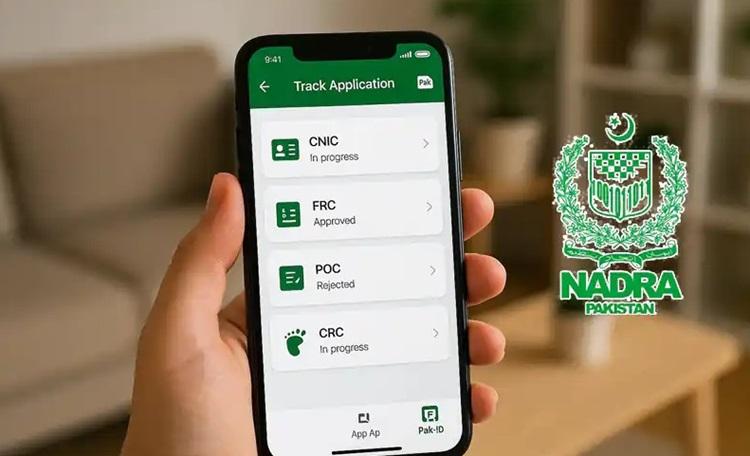
PakID provides application tracking through its interface.
Users can access the relevant application or tracking section to review available status information.
Application progress can depend on verification, document review, service category, and other processing requirements.
A tracking update does not necessarily mean that a physical identity document has already been delivered.
7. PakID App Tips for Fixing Common Technical Errors
The final category of PakID App Tips focuses on common technical difficulties.
Mobile applications may occasionally experience problems related to device compatibility, internet connectivity, permissions, or temporary service interruptions.
A failed upload or login attempt does not always indicate that an application has been rejected.
The correct response depends on the actual error message.
PakID App Tips for App Crashes and Login Problems
If the application unexpectedly closes, check whether an official update is available.
Restarting the application or device may resolve certain temporary issues.
Users should also ensure that the application has the permissions necessary for the feature they are using.
For example, live photograph capture requires camera access.
Avoid deleting application data or reinstalling the app before checking whether any unfinished information might be lost.
PakID App Tips for Persistent Errors
If a problem continues, record the error message without exposing sensitive identity information.
Consult NADRA’s official help resources or contact authorized support.
Never share passwords, verification codes, or complete identity document images in public comments or unofficial support groups.
8. PakID App Tips Comparison Table
The following table summarizes common application difficulties and practical preventive measures.
| Application Area | Common Difficulty | Recommended Precaution | Possible Benefit |
|---|---|---|---|
| Account setup | Verification problems | Check contact details | Easier account access |
| Service selection | Wrong application category | Review eligibility | Fewer selection errors |
| Document upload | Blurry or incomplete files | Capture clear images | Better document readability |
| Live photograph | Poor lighting | Follow capture instructions | Improved image quality |
| Personal details | Typing mistakes | Compare official records | More accurate information |
| Payments | Duplicate transactions | Check payment status | Reduced payment confusion |
| App performance | Crashes or failed uploads | Update app and check connection | Smoother technical experience |
These precautions are general recommendations rather than guarantees of application approval.
9. PakID App Tips Graph and Error Prevention
A simple preparation model can illustrate how different PakID App Tips contribute to a more organized application.
The graph below uses illustrative preparation-priority scores. These values are not official NADRA statistics, measured error rates, or estimates of application success.
Document preparation and personal information review receive high priority because they involve information directly used in application processing.
Photograph quality, biometric instructions, and payment verification also deserve attention.
The graph should be understood as a practical planning aid rather than scientific evidence about which errors occur most frequently.
10. PakID App Tips for Security and Privacy
Digital identity applications involve sensitive personal information. Therefore, security should remain a central part of every application.
PakID App Tips should include downloading software only from official sources, protecting account credentials, and avoiding suspicious websites that imitate government services.
Users should be particularly careful with messages offering guaranteed approvals, unusually fast processing, or unofficial identity verification.
Such claims may be misleading or potentially fraudulent.
PakID App Tips for Protecting Identity Information
Keep your smartphone protected with a suitable screen lock and avoid storing identity documents in publicly accessible folders.
If another person helps you complete an application, ensure that you understand what information is being entered and where it is being submitted.
Do not provide verification codes to unknown callers or individuals claiming to represent technical support.
PakID App Tips for Official Assistance
For questions about application eligibility, processing requirements, payment disputes, or biometric difficulties, use NADRA’s official website and support channels.
Independent informational websites can explain procedures, but they cannot replace official government verification.
11. Frequently Asked Questions About PakID App Tips
Are PakID App Tips Useful for CNIC Renewal?
Yes. These tips can help applicants prepare documents, check personal details, and understand the steps involved in CNIC renewal.
However, applicants must still meet NADRA’s eligibility and verification requirements.
Can PakID App Tips Help With Biometric Problems?
They can help users improve basic camera conditions and understand common technical precautions.
However, biometric verification problems may require official assistance or an in-person visit.
Can First-Time CNIC Applicants Use PakID?
NADRA provides a specific procedure for first-time CNIC applications. The process may be initiated through a blood relative’s account, followed by required in-person steps.
Applicants should consult current NADRA guidance before proceeding.
Do PakID App Tips Guarantee Faster Approval?
No. Preparation can reduce avoidable mistakes, but processing times and approval decisions depend on NADRA’s procedures and verification requirements.
Is the PakID App Available for Overseas Pakistanis?
Yes. NADRA provides PakID services for overseas Pakistanis, including eligible NICOP-related applications.
Specific requirements depend on the selected service and applicant circumstances.
12. Conclusion: PakID App Tips for Better Applications
Using practical PakID App Tips can make digital identity applications easier to understand and more organized.
From creating a secure account to selecting the correct service, preparing documents, capturing photographs, checking personal information, and tracking submissions, every stage benefits from careful preparation.
The most important lesson is that accuracy matters more than speed. Applicants who review their information, follow official instructions, and protect sensitive data can reduce avoidable errors.
Although the PakID application offers convenient digital services, not every procedure can be completed entirely online. Certain identity registration and verification requirements may still involve an authorized NADRA centre.
For the latest application requirements, fees, supported services, and technical guidance, always consult the official NADRA website.
Disclaimer: This article is for educational and informational purposes only. CNICUpdates is an independent information website and is not affiliated with NADRA or the Government of Pakistan.